

how do you putt on a golf simulator | JAMMA Guide
- How Do You Putt on a Golf Simulator?
- Golf Simulator Putting: Essentials
- Best Practices for Setting Up Simulator Putting
- Common Guest Challenges & Solutions
- Key Features to Highlight for Amusement Professionals
- Data Insights
- Optimize your simulator’s putting experience with these guidelines—creating fun, accuracy, and repeat business.
How Do You Putt on a Golf Simulator?
Understanding how to putt on a golf simulator is crucial for amusement industry professionals aiming to deliver authentic, enjoyable indoor golf experiences. Many operators and guests face challenges with translating real-world putting feel to digital interfaces. This guide explains best practices and methods to ensure putting remains engaging and true-to-life.
Golf Simulator Putting: Essentials
- Simulated Putting:
Simulators use sensors or high-speed cameras to track putt speed, direction, and angle. Accurate data collection is essential for realistic gameplay (Source: GOLF.com).
- Putting Surfaces:
Quality putting mats replicate green speeds. Experts recommend mats with adjustable stimp ratings—aligning with popular green speeds between 8 to 12 stimp.
- Ball Tracking Technology:
Optical, radar, or infrared systems measure ball roll precisely. High Quality simulators like TrackMan or Foresight GCQuad are industry standards (Source: TrackMan).
- Distance Conversion:
Some systems automatically scale putt distances or offer selectable difficulty for guest customization. Operators should set this based on target demographics.
- Target Placement:
Accurate simulation requires defined virtual hole distances and clear visual aids for aiming.
Best Practices for Setting Up Simulator Putting
System Calibration
- Calibrate sensors immediately before play to prevent misreads.
- Clean and maintain ball tracking lenses and sensors regularly.
- Use manufacturer software for frequent upgrades and firmware checks.
Guest Guidance
- Provide clear instructions on how virtual putting differs from outdoor green play.
- Offer practice modes so guests can adjust to digital greens before starting a round.
- Utilize tutorial videos or QR codes for on-demand support.
Operational Tips
- Regularly test putting surface levelness and smoothness.
- Rotate mats to prevent groove wear.
- Adjust ambient lighting to minimize sensor glare and boost accuracy.
Common Guest Challenges & Solutions
- Issue: Difficulty judging distance
*Solution*: Encourage guests to use practice putts and highlight the distance conversion info displayed by the software.
- Issue: Frustration with missed reads
*Solution*: Regular system checks and staff training minimize reading errors and improve user satisfaction.
Key Features to Highlight for Amusement Professionals
- *Customizable green speeds and stimp ratings.*
- *Software options for “auto putting” or manual reads to suit different customer skill levels.*
- *High-quality sensors ensure accuracy for tournament and casual play.*
- *Analytics dashboards help staff monitor guest performance and identify calibration needs.*
Data Insights
- Top facilities report up to 30% higher guest retention when simulators have realistic putting functionality (Source: IHRSA).
- Simulators with auto-calibrate feature reduce operational downtime by up to 50%.
References:
- GOLF.com: The Science Behind Golf Simulators
- TrackMan: Technology White Papers
- IHRSA: Amusement Facility Technology Report
Optimize your simulator’s putting experience with these guidelines—creating fun, accuracy, and repeat business.

Can Action LED Floor Games Build Physical and Mental Strength?
How Can Simulator Design Solutions Transform Sports & Fitness Game Zones?
What Is the Configuration, Structure, and Working Principle of VR Dynamic 7D Cinema?
VR Arcade Equipment Buying Guide: 5 Costly Mistakes Every New Owner Makes (2026 Edition)
Projector Configuration Requirements for Parent-Child Interactive Play Areas: What Do You Really Need to Get It Right?
Product details
Does the soccer simulator configuration include the curtain?
Yes, a 4-meter-wide, 3-meter-high projection curtain is included.
What is the difference between 5D and 3D?
The visual of 5D cinema is the same as that of 3D, compared to 3D, it adds motion simulation and special effects, which are not available in 3D.
How many players can play soccer at the same time?
Up to 4 players can play at the same time, you need to add more soccer balls.
Standard and other
Do you offer installation services?
Our professional implementation team can provide equipment installation and debugging services to ensure smooth operation. Our installation services is chargeable and you can contact us in to inquire about the service fees.
How long is the warranty period?
Our products have a one-year warranty period. During the warranty period, if there are any issues with the product that are not caused by human error, we can replace the parts for you free of charge. If the problems are caused by improper use, you will need to purchase the parts and bear the shipping costs yourself.
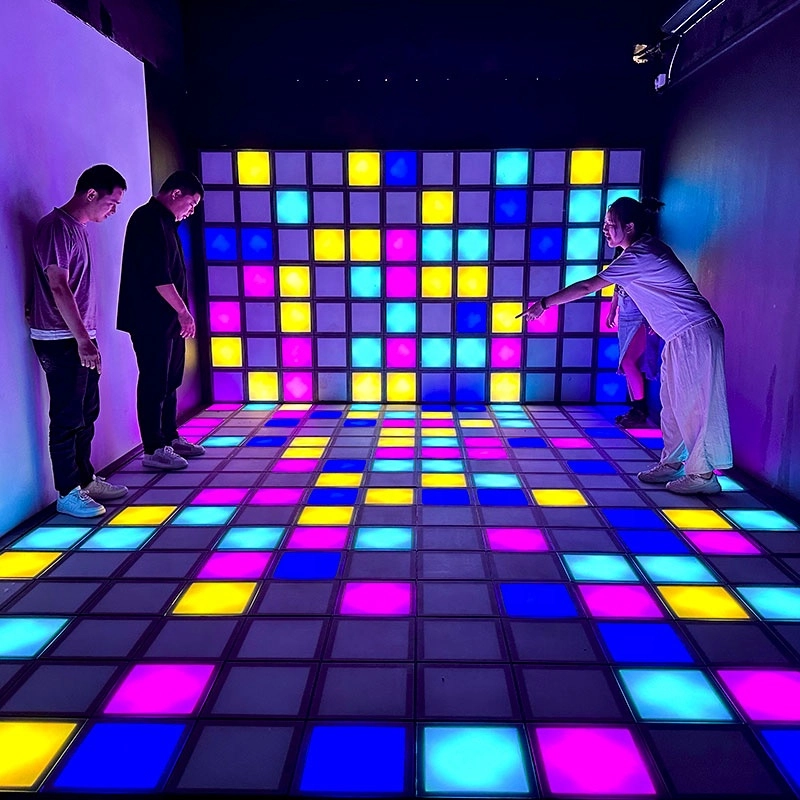
Hottest activated LED dance grid tiles floor touch games
Super Grid is an immersive sports game that combines sports and technology. It integrates interactive LED lights and sensors through innovative software design, creating a fun gaming experience.
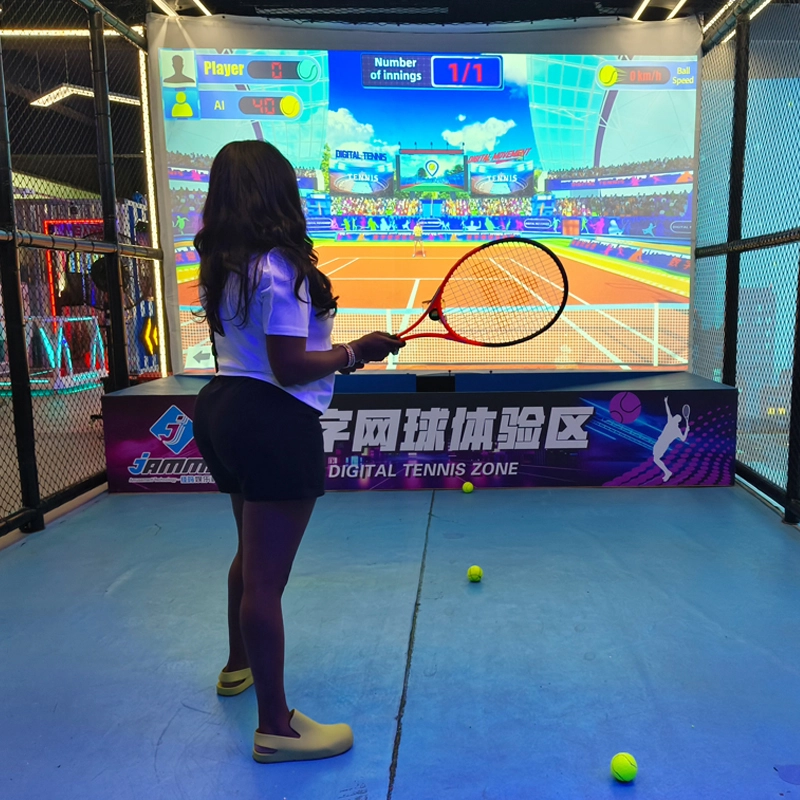
Top Indoor Tennis Racketball Training Simulator Dual Player Games
Interactive somatosensory fitness game
Combine traditional tennis sports with advanced 3D digital technology to bring customers an immersive tennis training experience
COMBINE TRADITIONAL TENNIS SPORTS WITH ADVANCED 3D DIGITAL TECHNOLOGY TO BRING CUSTOMERS AN IMMERSIVE TENNIS TRAINING EXPERIENCE INDOOR AND TENNIS EXPERIENCE HALL
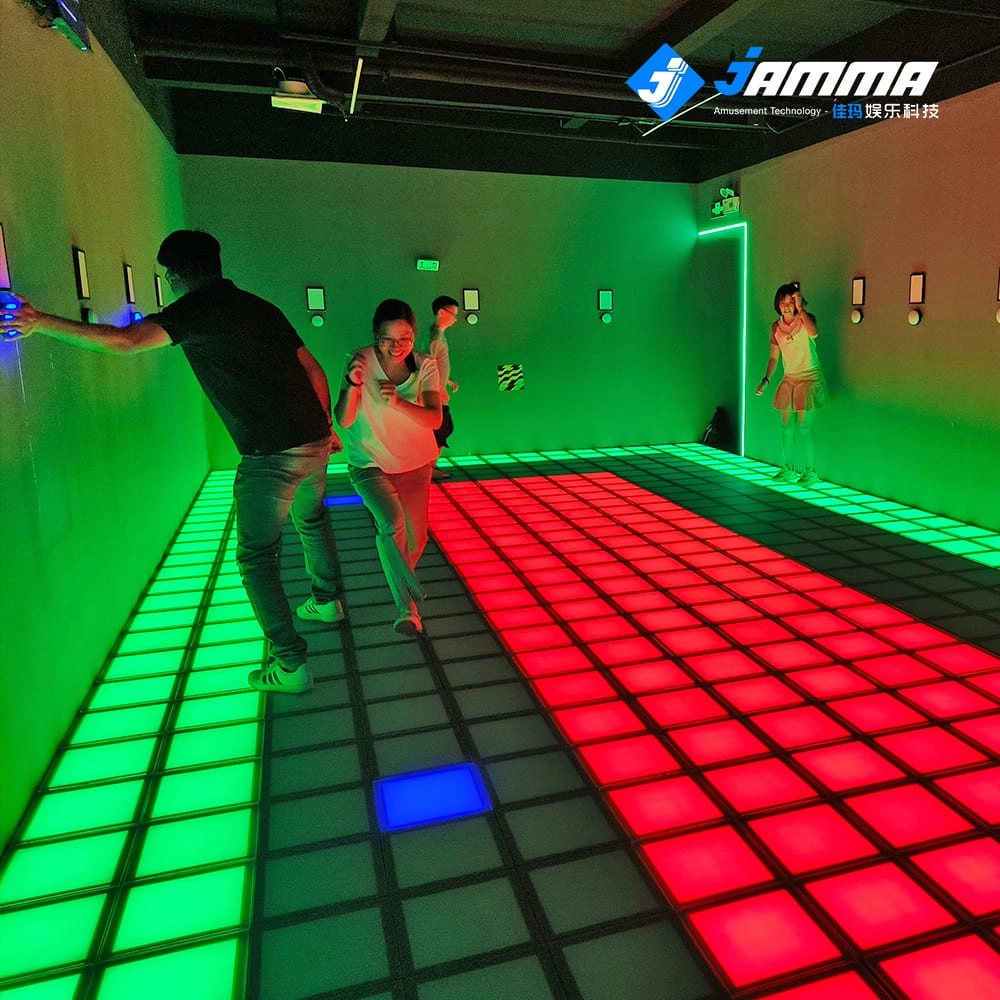
Super Grid Interactive LED Floor Activate Game Team Play
Super Grid is an immersive sports game that combines sports and technology. It integrates interactive LED lights and sensors through innovative software design, creating a fun gaming experience.
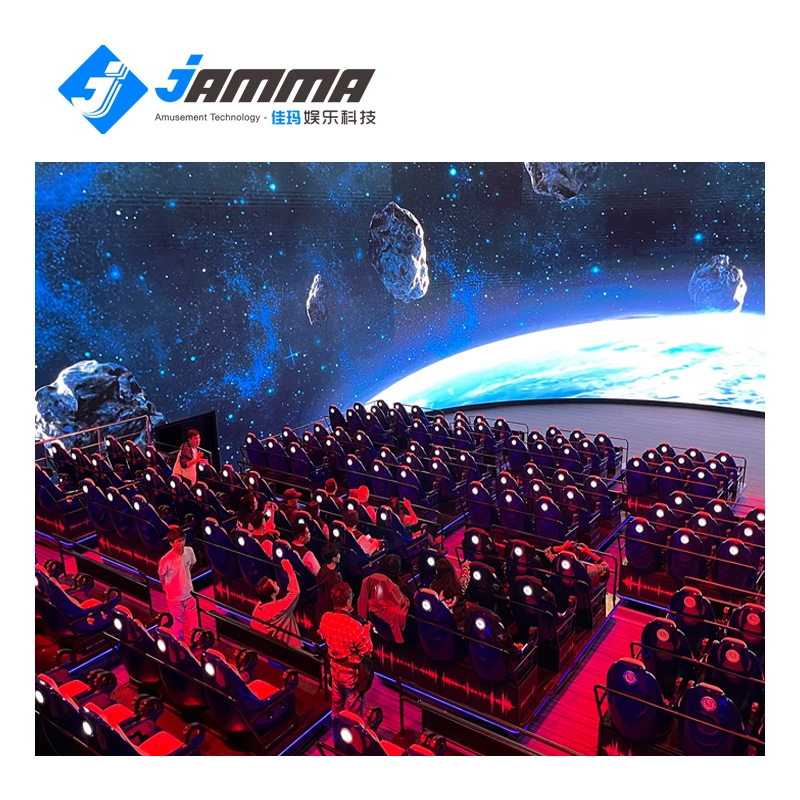
Immersive 5D/7D/9D cinema dynamic visual experience room
Compared with other types of theaters, 5D/7D/9D cinema have high technical content, prominent themes, and have a strong impact on the characteristics of the picture. With the increasing demand in the entertainment market and the continuous development of video entertainment technology, in the past, audiences would experience vibration, drop, rain, scratches and other effects in some 4D theaters, but now with 5D theaters, audiences can experience new Unique features, touch and feel effects such asreal smoke, water, snow, bubbles, smell, lightning, leg touch,camera system and more. When the audience is watching amovie, the seats and environmental effects will change into corresponding actions according to the development of the movie,allowing the audience to experience an immersive viewing experience.
Get in Touch With JAMMA
Would you like to learn more about indoor & outdoor playground equipment?
We would be happy to help you and find the best solution for your needs.
